I Couldn’t Install a Simple Markdown Viewer/Editor on My Work PC, So I Asked Claude to Build Me One
I spend my days working on a standard-issue corporate laptop. You know the type — locked down tighter than a drum, no admin rights, no ability to install anything, IT-managed with all the usual restrictions. It’s the reality for most of us in enterprise IT.
A few days ago, I was going through my usual workflow. I’d been using Claude and GitHub Copilot throughout the day — generating code snippets, drafting documentation, outlining ideas. And all of that output comes in Markdown. Beautiful, simple, portable Markdown.
Which is great, until you need to view or edit those .md files on a machine where you can’t install a single application.
The Problem
Markdown is the lingua franca of modern AI-assisted workflows. Every LLM, every coding agent, every prompt engineer lives in Markdown. But try opening a well-formatted .md file on a lockdown PC. You get:
- Notepad — raw text, no formatting, no preview
- WordPad — slightly better but still ugly
- Dragging it into a browser — the browser just shows the raw file
- Installing something like Typora, Mark Text, or Obsidian — denied, no admin rights
I sat there staring at a screen full of unformatted ## headings and **bold text**, thinking: this is ridiculous. In 2026, I have AI agents writing entire applications for me, and I can’t even preview a Markdown file?
The Solution (in 3 Minutes)
I opened Claude and said: “Build me a Markdown viewer/editor that runs entirely in the browser. No install, no server, no dependencies. HTML file, single page, works offline.”
It took Claude about 3 minutes.
Three minutes to design, code, and deliver a fully functional single-page application. Claude generated a self-contained HTML file with embedded CSS and JavaScript that:
- Opens any .md file via drag-and-drop or file picker
- Renders it beautifully — headings, lists, code blocks, tables, bold, italic, links, images, all properly formatted
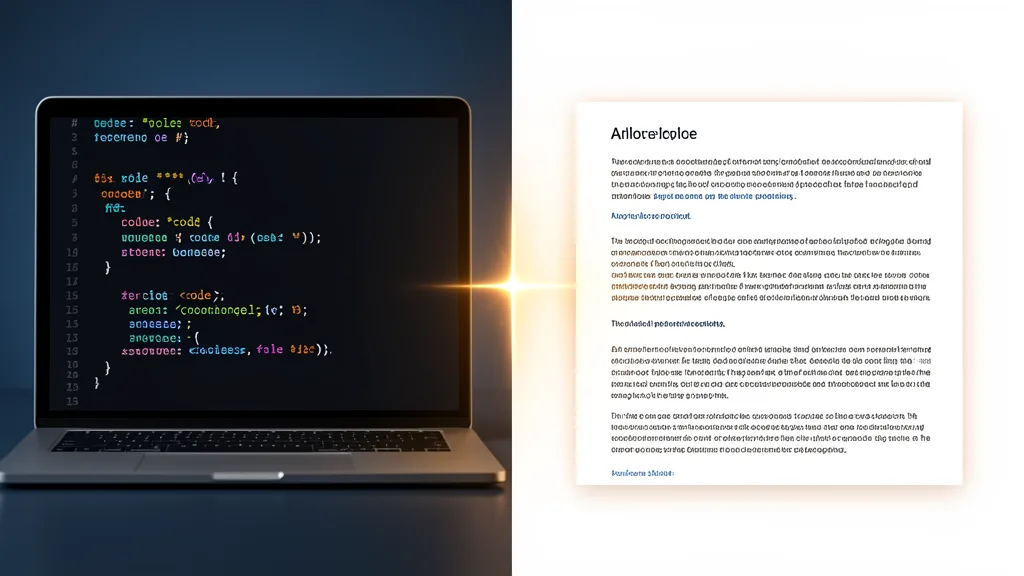
- Lets me edit the raw Markdown on the left with a live rendered preview on the right
- Exports to HTML or RTF — so I can take the formatted content anywhere
- Works completely offline — no internet needed, no dependencies, no trackers
- Fits in a single 50KB file — one double-click and it’s running
I double-clicked the HTML file, it opened in Chrome, I dragged a .md file onto it, and there it was. Beautifully rendered Markdown. On a lockdown machine. Without installing a single thing.
This is What “Agentic” Actually Means
We hear a lot about AI agents, autonomous coding, and the future of work. But the real power isn’t in the grand vision statements — it’s in moments like this. A human identifies a friction point in their daily workflow. An AI removes it. In minutes. For free.
Think about what just happened:
- I identified a problem — something I encounter multiple times a day
- I described it in plain English — no technical specs, no requirements document, no JIRA ticket
- Claude built the solution — not a prototype, not a mockup, a working production tool
- I used it immediately — no CI/CD pipeline, no deployment, no approval process
This is the democratisation of software development. Not “everyone will be a programmer” — but rather, “everyone can now have their small, specific, personal tools built on demand, exactly when they need them.”
Why This Matters for Enterprise Workers
Millions of people work on locked-down corporate machines. We’re not going to get admin rights tomorrow. But AI-generated single-page applications that run in the browser change the game:
- Data never leaves your machine — everything runs client-side
- No install required — .html files are safe, portable, and universally executable
- No IT approval needed — you’re not installing anything, just opening a file
- Instant iteration — “I wish it also did X” → describe it → new version in 30 seconds
I’ve since asked Claude to add more features — a dark mode toggle, print-friendly export, multiple file tabs. Each one took seconds. The tool grows with my needs, without a single ticket to IT.
The Bigger Picture
This isn’t about a Markdown viewer. It’s about a shift in what’s possible. The barrier between “I have an idea for a tool” and “I am using that tool” has collapsed from months (or never) to minutes.
Whether you’re a developer, a project manager, a writer, or an analyst — the next time you find yourself thinking “I wish there was a simple tool that could…” — try asking an AI to build it for you. You might be surprised at what comes out in three minutes.
I certainly was.
Have you built something similar with AI? I’d love to hear about it in the comments.